Point of sale for retail & restaurants

The point of sale that keeps selling.

Sell, track stock and keep the books on your own Windows PC. Retail or restaurant, one app, and it carries on when the internet doesn’t.

Monthly or yearly · no contract · unlimited checkouts

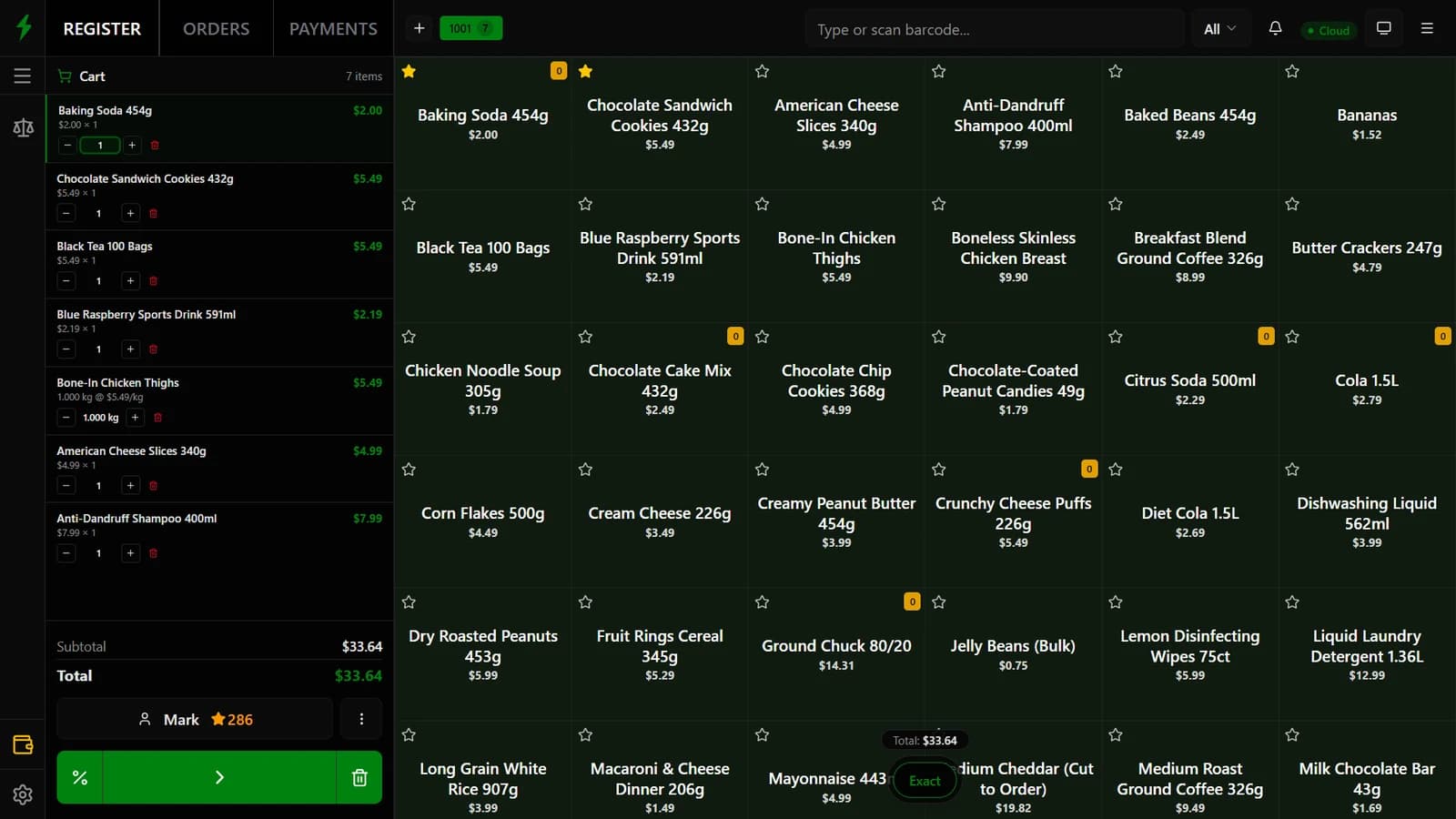
The SPEEDPOS register: a cart of seven items on the left, a grid of products on the right

Works with the hardware already on your counter

  • Barcode scanners
  • Weighing scales
  • Receipt printers
  • Cash drawers
  • Card terminals
  • Customer displays
  • Kitchen printers

Everything in one place

Your till, your stock and your books. One app.

No add-ons to bolt together. Every sale updates stock and posts to the accounts the moment it happens.

Sell at the counter in seconds

Scan, tap or weigh. Cash, card or split. Favourites one tap away.

Inventory that adds up

Stock value, low and out-of-stock alerts, live.

Accounts that do themselves

Profit and loss from live figures. No spreadsheet.

Customers who come back

Loyalty points on every sale, spent like cash.

Mark★ 286
Jacob★ 24

Staff you can trust

A PIN per person. Refunds and voids need a manager.

Backed up while you sell

Encrypted backups, hourly or daily. Restore on a new PC in an afternoon.

18:00 · encrypted✓ saved
17:00 · encrypted✓ saved

Built for how you sell

A shop till or a restaurant till. Same app.

Each checkout switches between retail and restaurant mode, so a café with a deli counter runs on one system.

Shops · grocery · pharmacy · wholesale

  • Scan, weigh, sellBarcode scanners and scales. Sell bananas by the kilo and cheese cut to order.
  • Stock you can trustLow and out-of-stock alerts, batches, serial numbers and expiry dates.
  • Real profit on every itemProfit from what you actually paid for each batch, not an average.
  • Invoices and warrantyQuotes turn into invoices. Warranty claims tie back to the serial you sold.
  • Loyalty built inPoints on every sale, spent like cash at the counter.
Choose a retail plan
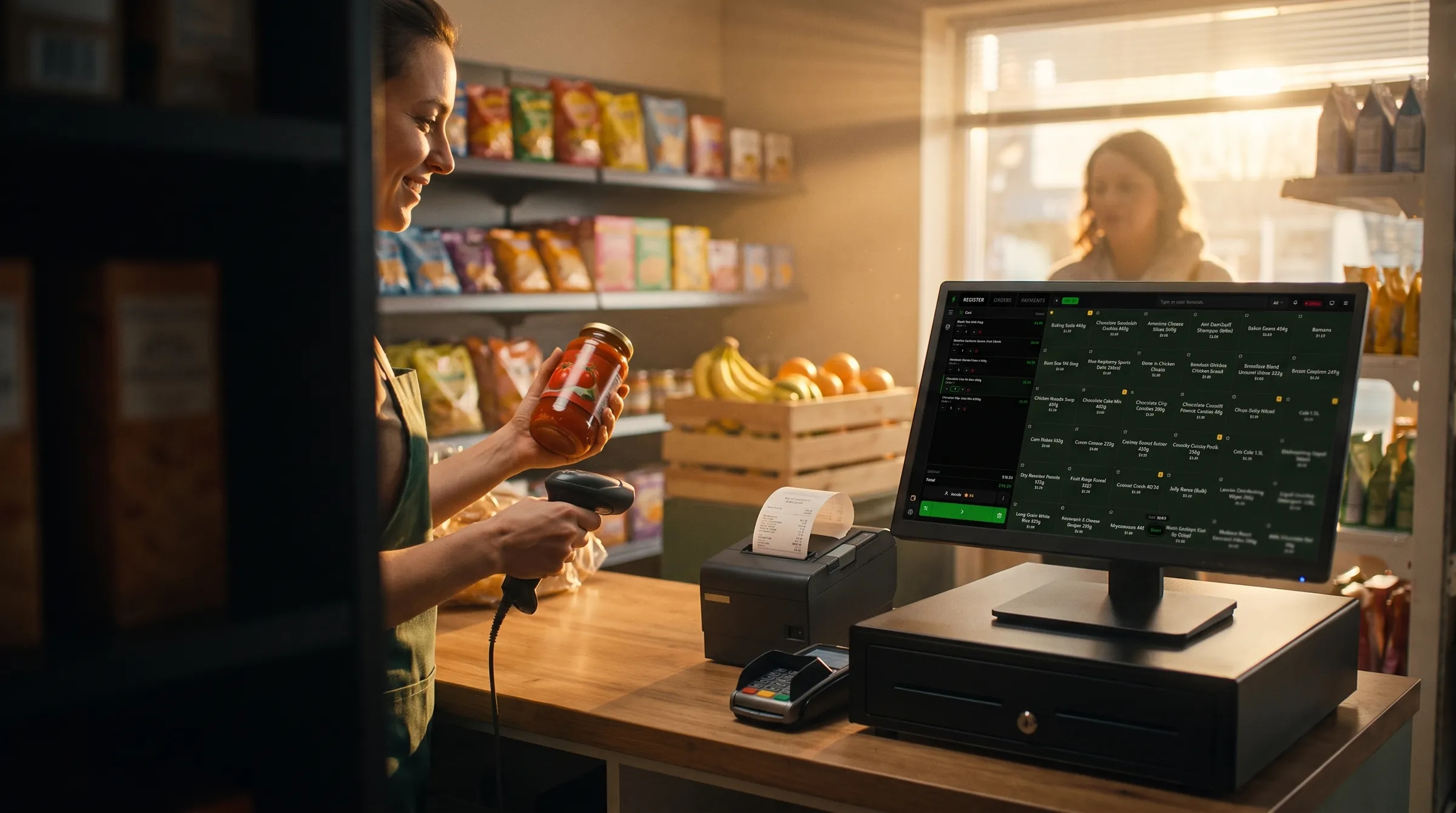
A shopkeeper scans a jar of sauce at a counter running SPEEDPOS, with a receipt printing beside her

How it works

Selling by this afternoon. Three steps.

About an hour for the main computer. Each extra checkout takes a few minutes.

  1. 01

    Pick a plan and sign up

    Choose monthly or yearly and pay by card. Takes two minutes.

  2. 02

    Install on your PC

    Download the installer from your account. Any Windows 10 or 11 computer.

  3. 03

    Add products and sell

    Import or type your products, plug in the scanner, ring up the first sale.

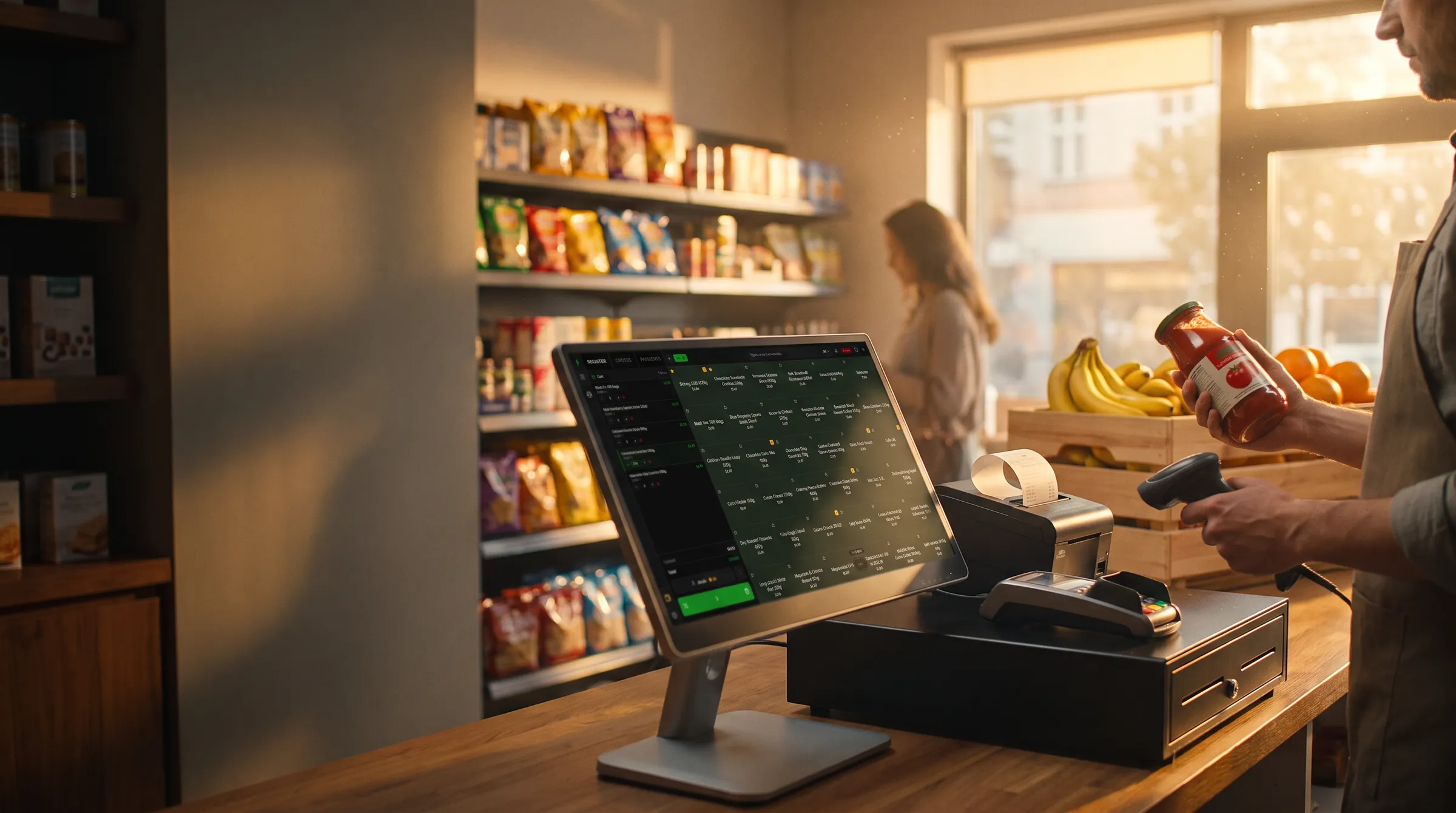
A corner shop at golden hour: the counter with a SPEEDPOS screen, receipt printer, cash drawer and barcode scanner

Works offline

Internet down? Keep ringing up sales.

SPEEDPOS runs on the computer at your counter, not in someone else’s cloud. Extra checkouts talk to it over your own network. Backups and reports catch up when you’re back online.

  1. ● CloudSelling as normal, backed up as you go.
  2. ● OfflineThe connection drops. The cart, the scanner and the receipt printer don’t notice.
  3. ● CloudBack online. Everything syncs. Nothing to re-enter.

And the rest, already built in.

Switch on what your business needs. Which plan includes what is under Pricing.

  • Barcode labels
  • Scales & weights
  • Batches & expiry
  • Serial numbers
  • Warranty claims
  • Quotes & invoices
  • Bank matching
  • Profit & loss
  • Balance sheet
  • Loyalty points
  • Customer ranking
  • Customer portal
  • Delivery orders
  • Kitchen screen
  • Split bills
  • Recipes & yields
  • Manufacturing
  • Field sales app
  • Multi-store
  • Staff PINs & roles
  • Manager approvals
  • Encrypted backups
  • Customer display
  • Unlimited checkouts

Why shops switch

Everything a cloud POS charges extra for.

Compared with a typical subscription cloud point of sale.

SPEEDPOSTypical cloud POS
No internetKeeps selling. Syncs when it’s back.Stops, or runs a limited offline mode.
CheckoutsUnlimited on every plan.Charged per register or device.
AccountingBuilt in. Every sale posts itself.A separate subscription and an export.
ProfitReal cost per batch.Average cost, if at all.
Your dataOn your PC. Export everything, any time.On the vendor’s servers.
Retail + restaurantBoth, in one app.Usually two different products.

Pricing

Simple plans. Unlimited checkouts on all of them.

No per-device fees and no contract. Change plan any time.

Business type
Billing interval

Starter

Talk to us

Best for: one shop, one or two checkouts.

  • 1 shop, 1 business
  • Unlimited checkouts
  • Shop
  • Selling, stock and accounts
  • Loyalty Points
  • Daily backups, encrypted
  • Help by email

Small

$12.99/ month

or $155.88 a year

Everything in the plan is listed below.

No contract, cancel any time

  • Everything in Starter, plus:
  • 1 shop, 2 businesses each
  • Invoicing
  • Warranty
  • Manufacturing
  • Multi-store
  • Field Sales
  • Customer Ranking
  • Customer Portal
  • See your shop from anywhere

Professional

Recommended
Talk to us

Best for: customers on credit, warranties, checking in from home.

  • 1 shop, 1 business
  • Unlimited checkouts
  • Shop and restaurant
  • Selling, stock and accounts
  • Invoicing
  • Warranty
  • Loyalty Points
  • Customer Ranking
  • Customer Portal
  • See your shop from anywhere
  • Hourly backups, encrypted
  • Faster help by email

Enterprise

Talk to us

Priced around your business

Best for: several shops, your own products, staff on the road.

We usually reply within a working day

  • Everything in Professional, plus:
  • 3 shops, 3 businesses each
  • Manufacturing
  • Multi-store
  • Field Sales
  • Help by phone, and setup at your shop

Questions

Before you sign up.

Do I need the internet?

Only to set up. After that it works without it. Backups and reports catch up when you're back online.

What computer do I need?

A normal Windows 10 or 11 computer. Most shops already have one at the counter.

Will my printer and scanner work?

Very likely. Standard receipt printers, any barcode scanner, network scales and cash drawers all work. Ask us before you buy anything new.

How long does setup take?

About an hour for the main computer: download, install, add your products. Each extra checkout takes a few minutes.

What counts as a checkout?

Each computer running SPEEDPOS. One is the main computer; the others connect to it over your shop's network and need no internet of their own.

Can I change plan later?

Any time, both ways. Upgrades unlock within minutes without reinstalling anything; a downgrade takes effect at your next renewal.

What happens if I stop paying?

You keep selling. If a payment fails we retry the card and tell you; after two weeks the paid extras lock. If you cancel, the app opens read-only at the end of the paid period. Nothing is deleted, and you can export everything at any point — the data is on your computer and it stays yours.

Is there a contract?

No. A monthly plan renews each month and stops when you cancel; a yearly plan is paid up front for twelve months. Either way, cancelling never deletes anything — the app opens read-only at the end of the paid period and everything exports.

Start selling this afternoon.

Pick a plan, install on your PC and ring up your first sale.